Welcome to myManion
myManion is your secure member portal for managing your UA Local 740 benefits — anytime, anywhere.
Your Benefits, Anytime, Anywhere
Whether you’re submitting a claim, checking your coverage, or updating your personal info, myManion gives you simple, on-demand access to your benefit plan.
Visit www.mymanion.com or use the myManion mobile app to get started.

What is myManion?
myManion is the secure benefits portal provided by Manion Wilkins & Associates Ltd., the third-party administrator for UA Local 740’s benefit plans.
Manion manages:
- Claims processing
- Eligibility tracking
- The myManion portal and app
What You Can Do with myManion
- Submit claims online or through the mobile app
- Check the status of your claims and view history
- Access your digital benefits card (even offline)
- Review your current coverage and plan details
- Update your contact information and banking information
- Download forms and official documents
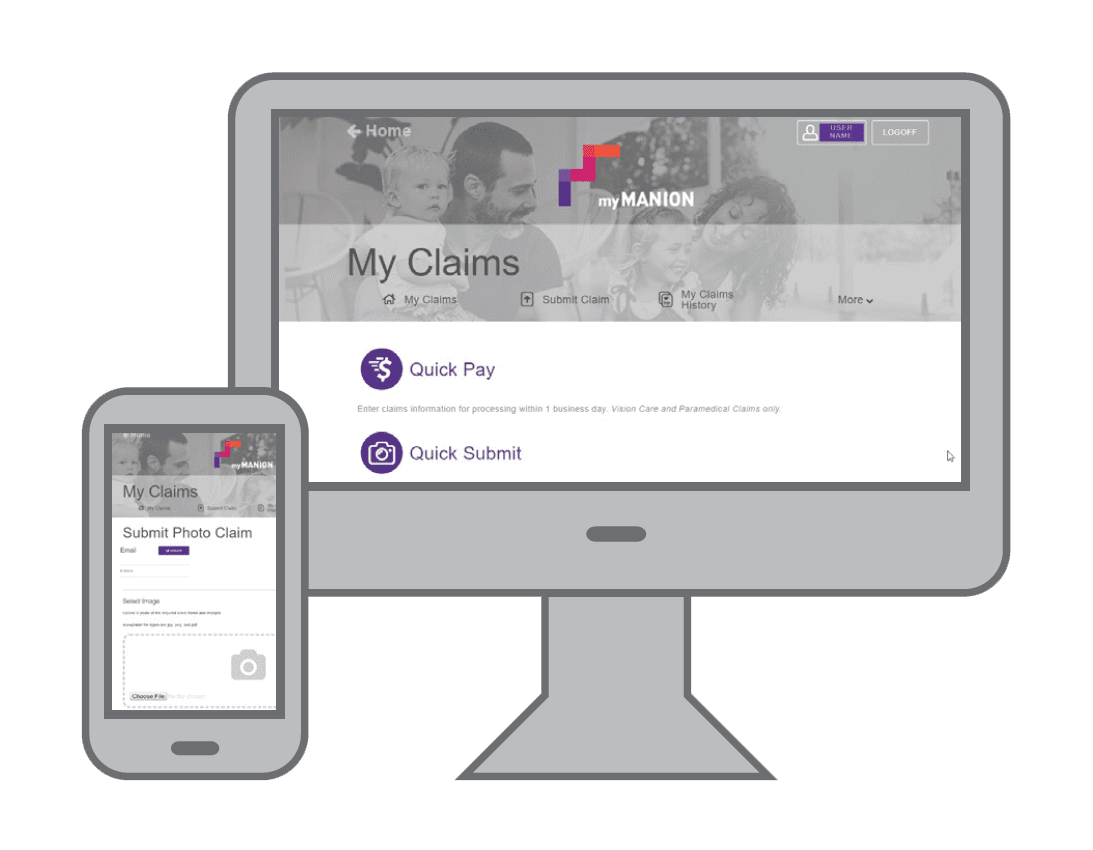
Download the myManion App
 .
. 
How to Submit Claims
There are three great options for submitting claims through myManion:
1. Pay Direct
Health practitioners on the TELUS eClaims network can submit claims on your behalf with Pay Direct Health Services.
- Show your digital benefit card to your health services practitioner for eligible services
- The provider submits the claim on your behalf
- You’re out-of-pocket only for what your benefit plan doesn’t cover for approved claims
Refer to your benefits booklet on myManion for eligible services.
2. Quick Submit
The easiest way to send in your claims and receipts on the go.
- Upload a photo of your receipt, select a benefit category, and submit
- Claims are typically processed within 5 business days
- No daily claims submission maximum
3. Quick Pay
Submitting claims through Quick Pay is the quickest way to get paid when submitting your vision and paramedical claims, if your provider is not a subscriber to the TELUS eClaims platform.
- Enter all required claim details and click submit
- Receipts are not required unless your claim is selected for a random audit
- You can expect to have your claim processed in one business day
- A $500 daily claim submission maximum applies
Direct Deposit Required
Claim payments are made by direct deposit. Make sure your banking information is up to date in your myManion profile!
Additional Claim Submission Options
If you’re not using Pay Direct, Quick Submit or Quick Pay, you can submit your claim with a completed and signed claim form, official receipts, and any required documentation by:
- Mail: Manion Wilkins & Associates Ltd.
626-21 Four Seasons Place
Toronto, ON M9B 0A5 - Fax: 416-234-2071
- Email: claims@manionwilkins.com
(Note: email submissions must include scanned forms and receipts — photos are not accepted)
How to Register
1. Visit www.mymanion.com
2. Click ‘Register Now’
3. Provide:
- Your Manion Certificate/Member ID (found on your benefits card)
- Your Date of Birth
- A valid Email Address
You’ll be asked to create a password, then you can begin using the portal right away.
Privacy and Security
Your privacy is important. The myManion portal and app are fully compliant with privacy standards to protect your personal and benefits information.
For more details, see the Privacy Policy available on the myManion website.
Need Help?
If you haven’t received your login details, or if you have any questions, please contact the Benefits Office.